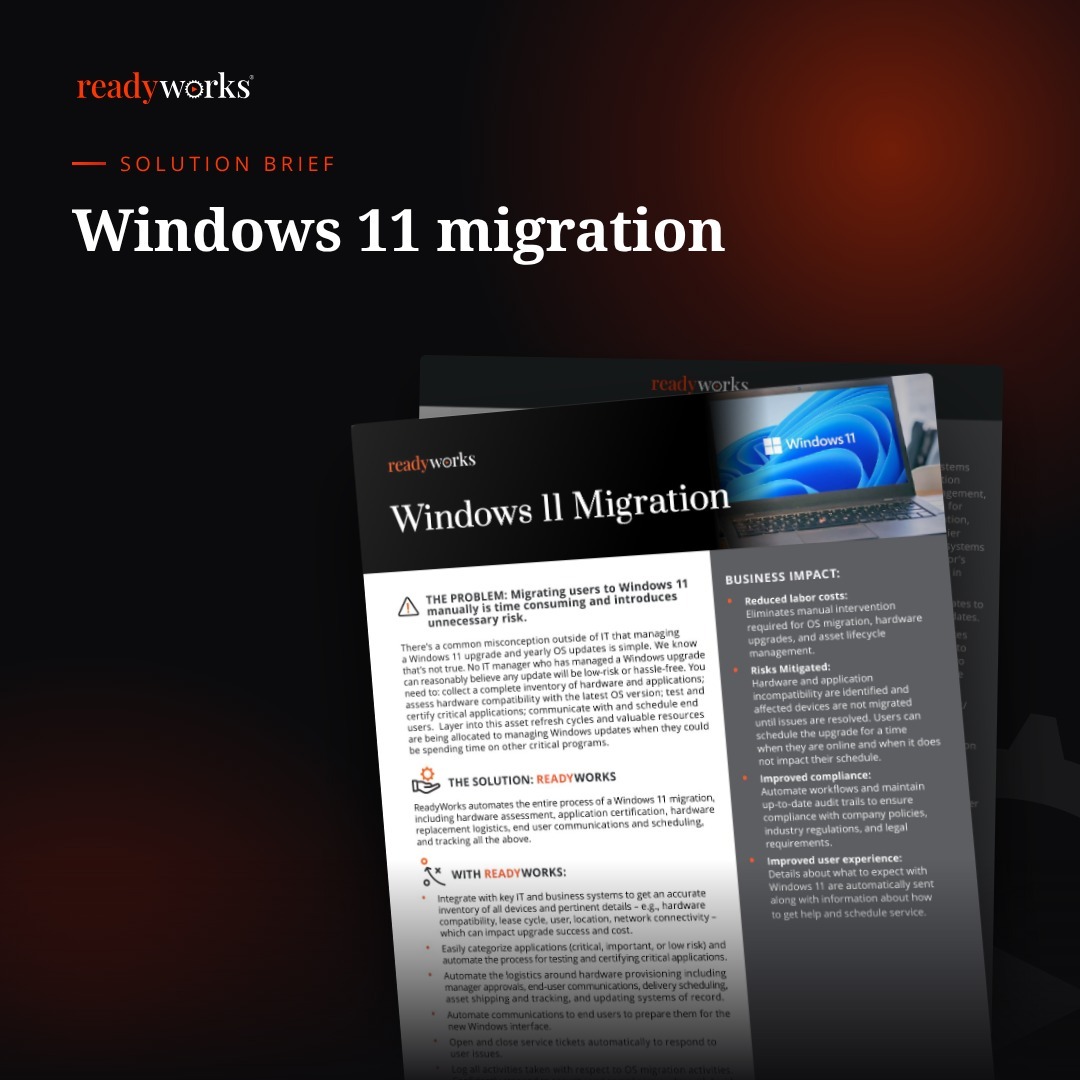

A Windows 11 migration is several programs at once: a device inventory, a hardware compatibility check, application testing, refresh logistics, and scheduling for every employee. EndpointReady runs all of it as one tracked program, so your team sees which devices are ready, which are blocked, and why.
Why is a Windows 11 migration harder than it looks?
Outside IT, an OS upgrade can sound routine. Inside IT, it means collecting a complete inventory of hardware and applications, checking compatibility, certifying critical applications, and coordinating with every user, often alongside a refresh cycle. Windows 10 reached end of support on October 14, 2025, according to Microsoft, so devices still on it need a clear path.
How does EndpointReady run the migration?
- Builds an accurate inventory of devices, users, and applications from your existing systems
- Assesses hardware compatibility and routes devices to upgrade, refresh, or exception paths
- Tracks application testing and certification, and holds devices until their applications are ready
- Sends employees timed communications and lets them self-schedule their upgrade
- Tracks every device to completion, with automated rollback for devices that run into trouble
FAQ
Can we use the same approach for future Windows updates?
Yes. The device, user, and application data stays current, so the next feature update runs as a repeat of the same program.
What about devices that can't run Windows 11?
They move into a refresh path and can be scheduled in refresh waves alongside upgrades.
Have devices still in scope? Talk to someone who has done this.