Every CMDB draws on several sources, and each one holds only part of the picture. The result is missing records, duplicates, and conflicting data that’s slow to fix by hand. ReadyWorks compares data from source systems b…
Every CMDB draws on several sources, and each one holds only part of the picture. The result is missing records, duplicates, and conflicting data that’s slow to fix by hand. ReadyWorks compares data from source systems before it reaches your CMDB, then flags gaps, duplicates, and conflicts in the records you already have. Self-service portals and timed communications collect missing details straight from employees. When you choose to, ReadyWorks writes corrections back to your CMDB or the source system, with every update logged. Your CMDB stays your system of record, and it stays accurate.
Free downloadSolution brief
Get the CMDB assessment brief
How ReadyWorks compares source data to find gaps and duplicates before they reach your CMDB.
How data is analyzed from source systems on an ongoing basis
How gaps, duplicates, and inaccurate records are found
How updates are written back, optionally and with full audit
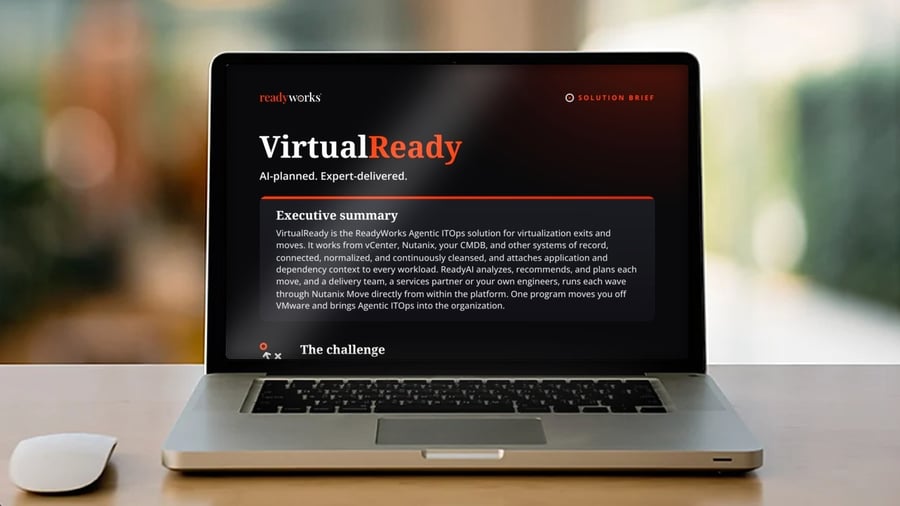
VirtualReady runs a VMware to Nutanix migration as one program, from the first assessment through every wave. It brings vCenter, Nutanix, your CMDB, and other s…
Data centers grow over years as teams and managers change, and few organizations have a clear record of what’s running, who uses it, and how it all connects. Th…
Windows migrations and ongoing servicing touch every endpoint, application, and employee in the organization. This brief shows how ReadyWorks connects IT and bu…