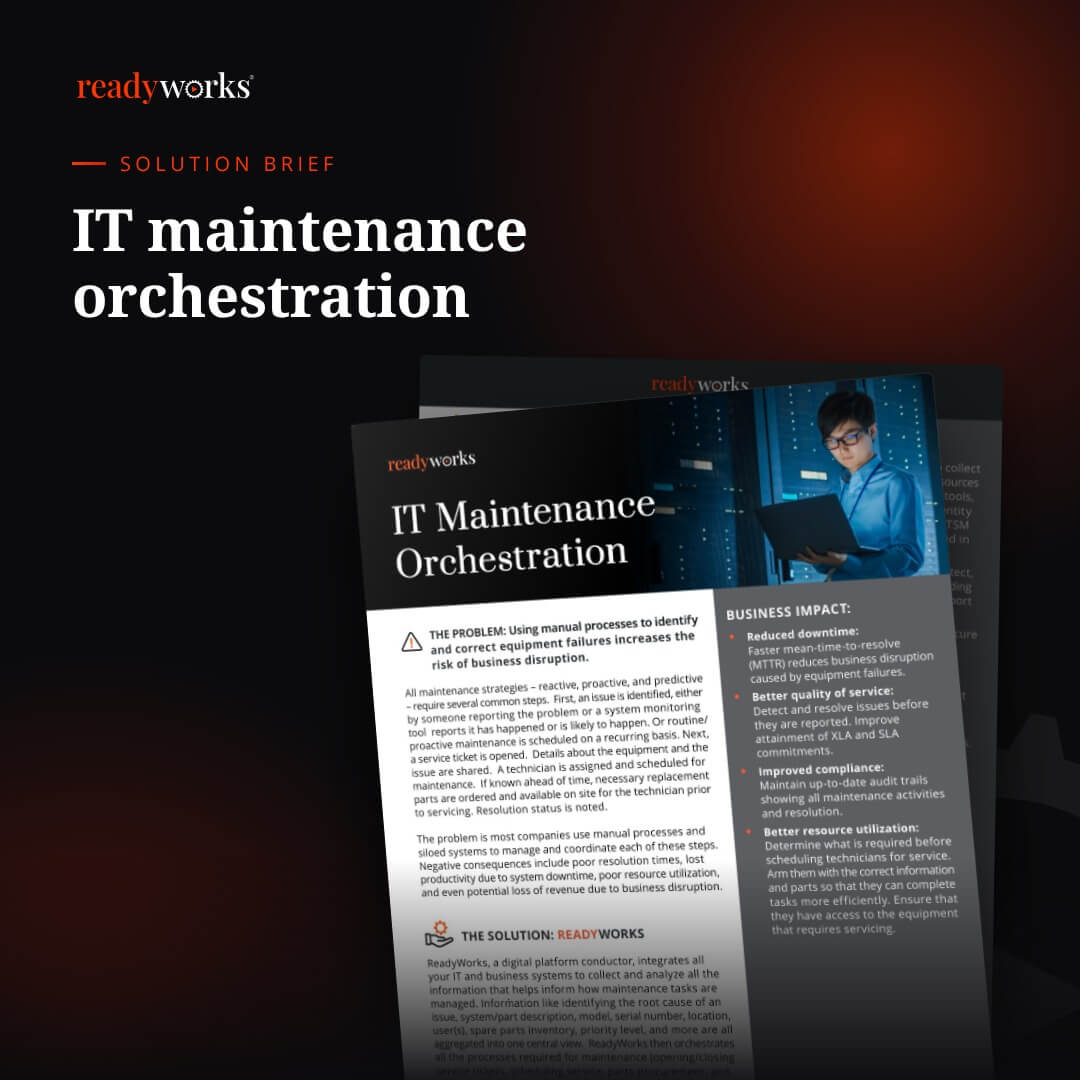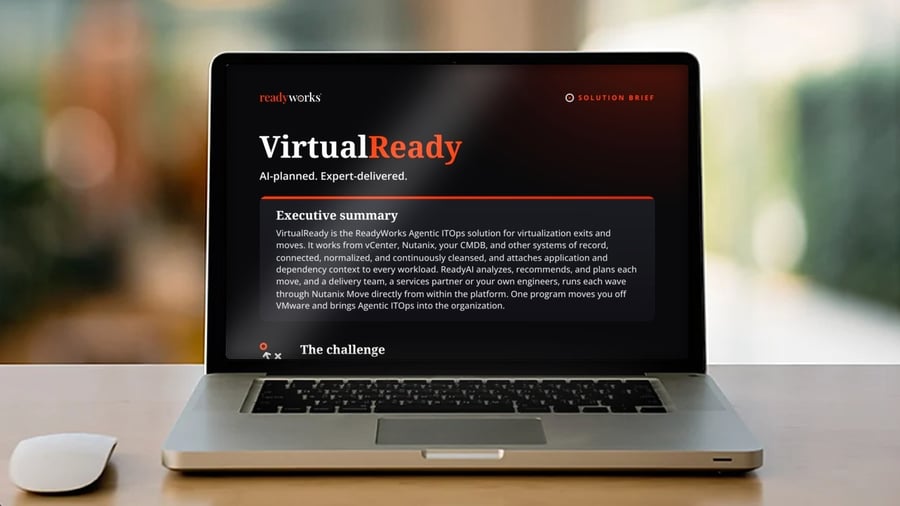


IT maintenance slows down when the work lives in separate systems. An alert fires in one tool, a ticket opens in another, parts are ordered by email, and the fix is logged somewhere else. ReadyWorks connects those systems and runs the steps between them as one workflow, so your team sees every open issue, who owns it, and what happens next.
What slows down IT maintenance today?
Most maintenance follows the same path: Someone spots the issue, a ticket opens, then a technician is assigned & scheduled, next parts are ordered, and then the fix is recorded. Each step usually sits in a different system and depends on someone remembering to move it along. That is where delays, missed handoffs, and gaps in the record come from.
How does ReadyWorks orchestrate maintenance work?
ReadyWorks connects to the systems your team already uses, including monitoring, ITSM, asset records, and procurement. It brings that data into one view and runs preconfigured workflows across them.
- Events from monitoring tools can open, update, and escalate tickets automatically
- Technicians are assigned with the asset history and context they need before they arrive
- Parts requests and vendor notifications are triggered from the same workflow
- Owners and stakeholders get timed status updates without manual follow-up
- Every action is logged, with what changed, who approved it, and the outcome on record
Your systems of record stay in place. ReadyWorks reads from them and, where your organization allows it, writes updates back with full audit.
What does your team get?
Fewer manual handoffs between systems. A clear view of open maintenance work across sites and vendors. A complete record of each fix for audits and service reviews.
In most cases this runs on the same platform your team uses for larger programs, such as refreshes and migrations. That means the asset data you clean up for maintenance keeps paying off later.
FAQ
Does ReadyWorks replace our ITSM or monitoring tools?
No. ReadyWorks connects to them and runs the workflow across them. Your ITSM and monitoring tools stay the systems of record.
Can maintenance workflows run without someone approving each step?
Your organization sets the guardrails. Workflows can require approval before every write, or run with blanket approval up to a limit you define.
Where should we start?
Start with one high-volume maintenance process and map its steps across your current tools. Talk to someone who has done this to see how it would run on ReadyWorks.