
IT asset lifecycle management works when every asset has an accurate record from the day it's ordered to the day it's disposed of. ReadyWorks keeps that record by connecting the systems that already hold asset data and running the workflows between each stage, so your team stops tracking assets in spreadsheets and email.
Why is asset lifecycle data so hard to keep accurate?
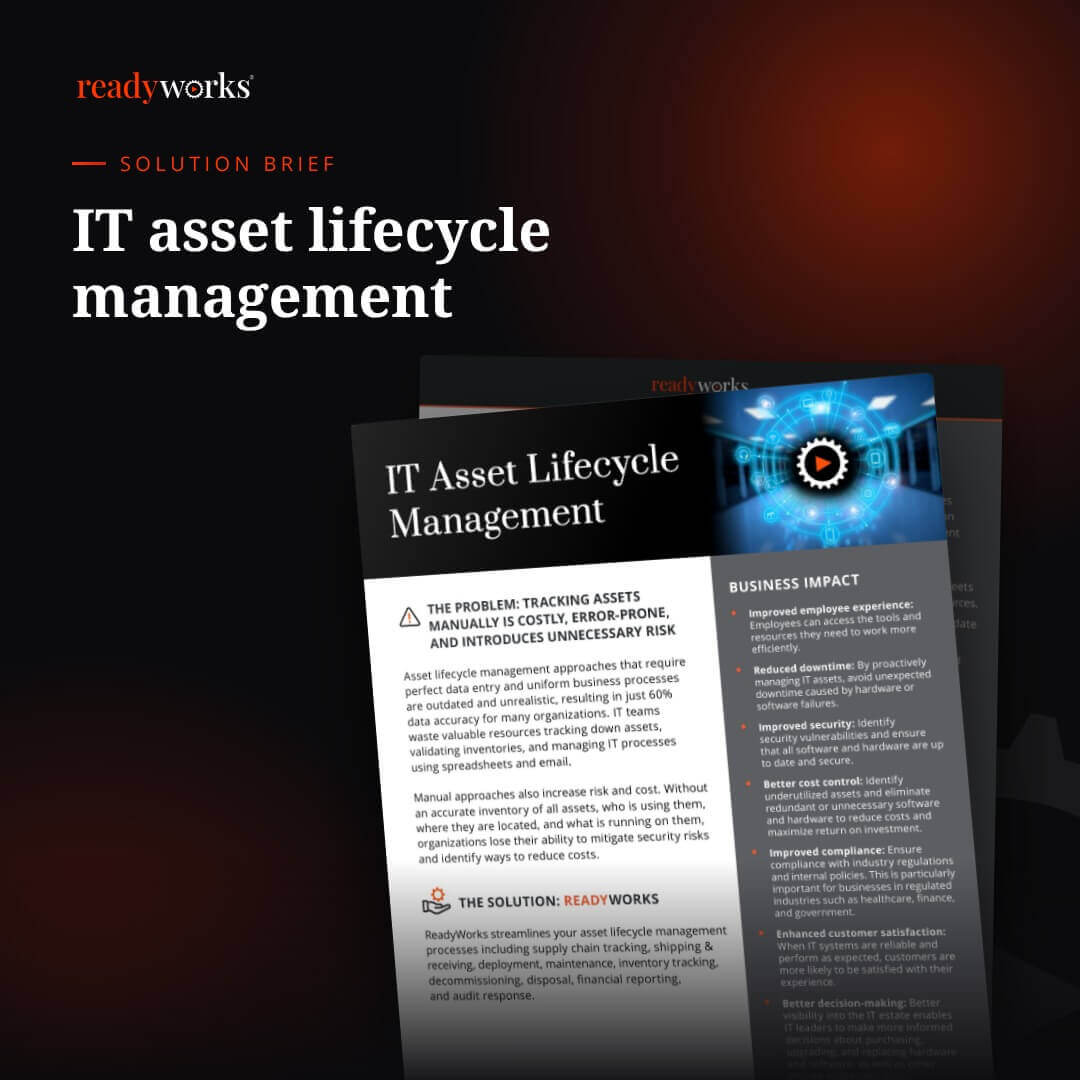
Asset data sits in CMDBs, configuration tools, identity and HR systems, and procurement records, and no single source has the full picture. Approaches that depend on perfect data entry break down as soon as people and devices move. The result is time spent tracking down assets and validating inventories instead of acting on them.
What does ReadyWorks cover across the lifecycle?
- Receiving: import vendor bills of materials and track assets as they arrive
- Assignment: tie each asset to an employee, department, and location
- Deployment and maintenance: run the workflows and employee communications for each step
- Retirement: coordinate decommissioning and disposal with records kept
- Audits: answer audit requests from validated asset data
Your systems of record stay in place. ReadyWorks reads from them and, where your organization allows it, writes updates back with full audit.
FAQ
Does ReadyWorks replace our CMDB or asset management tool?
No. It connects to them and keeps their data accurate.
Which systems does it connect to?
In most cases, CMDBs, configuration platforms, identity and HR systems, DEX platforms, and ticketing systems, plus spreadsheet imports.
Want to see it with your own asset data? Talk to someone who has done this.