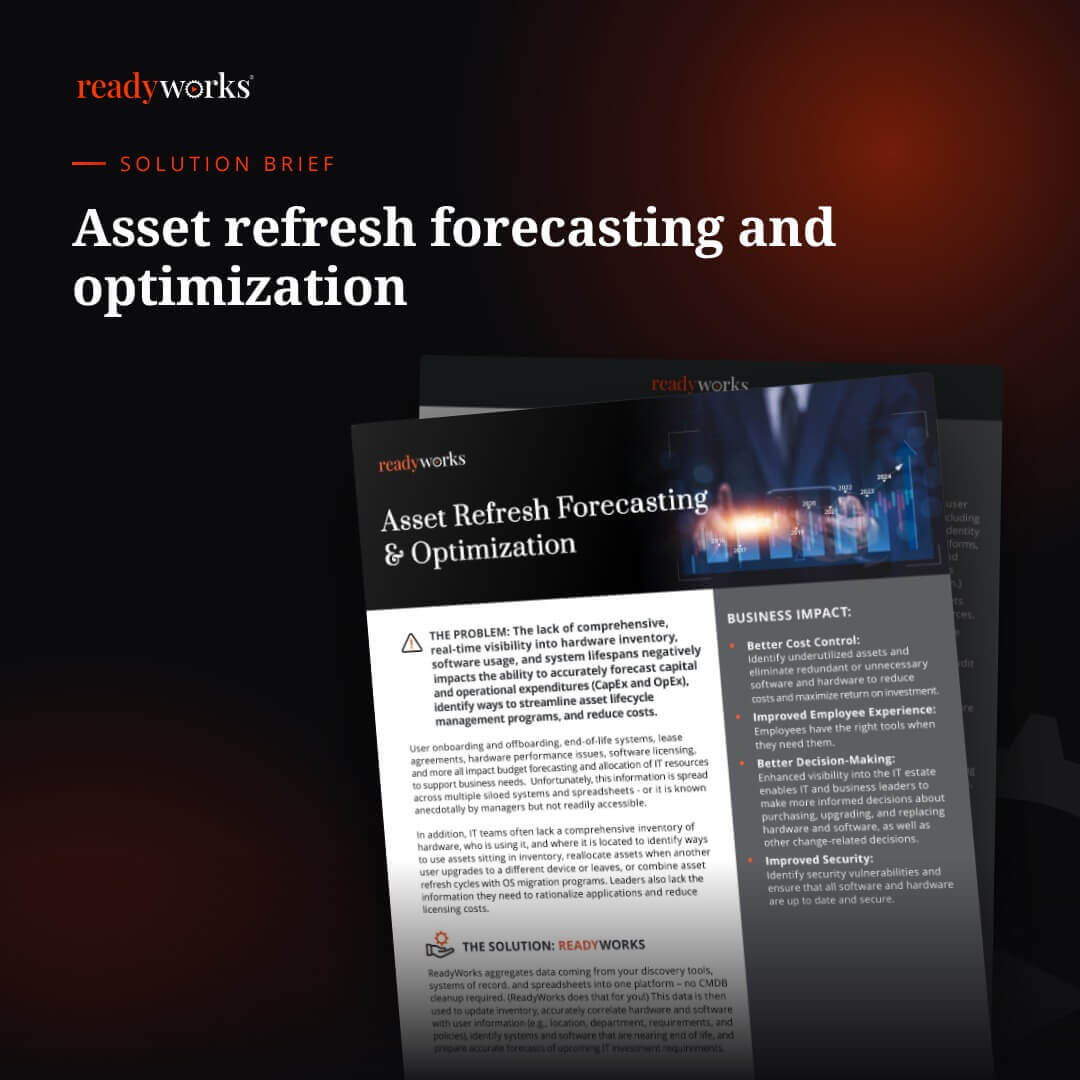

Refresh planning goes wrong when the data behind it is incomplete. ReadyWorks brings hardware, software, and user data together from the systems you already run, flags systems nearing end of life, and gives your team an accurate base to plan refreshes from, including when to pair them with an OS migration.
What makes hardware refreshes hard to forecast?
The facts that drive a refresh plan live in different places: lease agreements, device age and performance, software requirements, and who is joining, moving, or leaving. Some of it sits in siloed systems and some only in managers' heads. Without one view, teams miss devices sitting in inventory that could be reassigned, and refreshes get planned separately from the OS work they could be combined with.
How does ReadyWorks support refresh planning?
- Brings data from discovery tools, systems of record, and spreadsheets into one inventory
- Correlates devices and software with users, locations, and departments
- Flags hardware and operating systems nearing end of life
- Shows devices in inventory that can be reassigned
- Runs the refresh as a tracked program, with employee scheduling and communications
FAQ
Can refreshes run alongside a Windows migration?
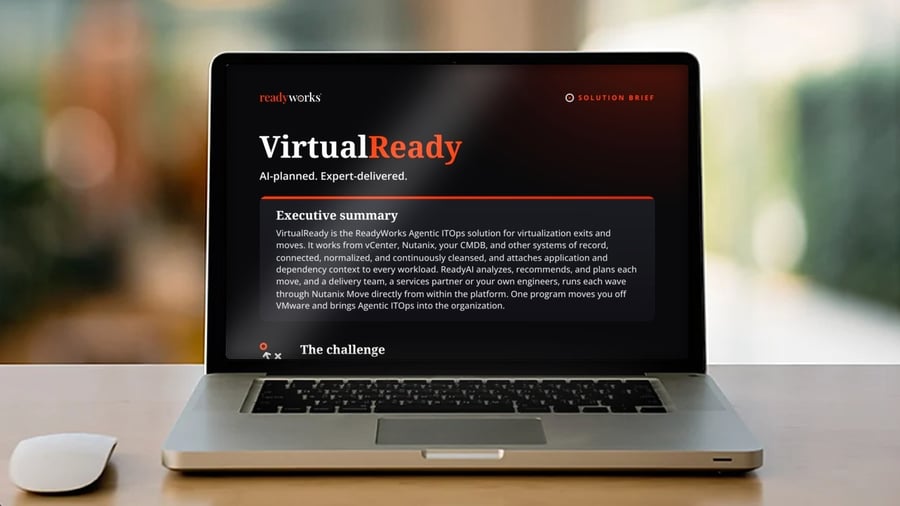
Yes. With EndpointReady, refresh waves and Windows migration waves run on the same platform from the same device and user data.
Do we need to clean up our data first?
No. ReadyWorks highlights gaps and conflicts in the data, so cleanup becomes part of the plan.
Planning your next refresh cycle? Talk to someone who has done this.