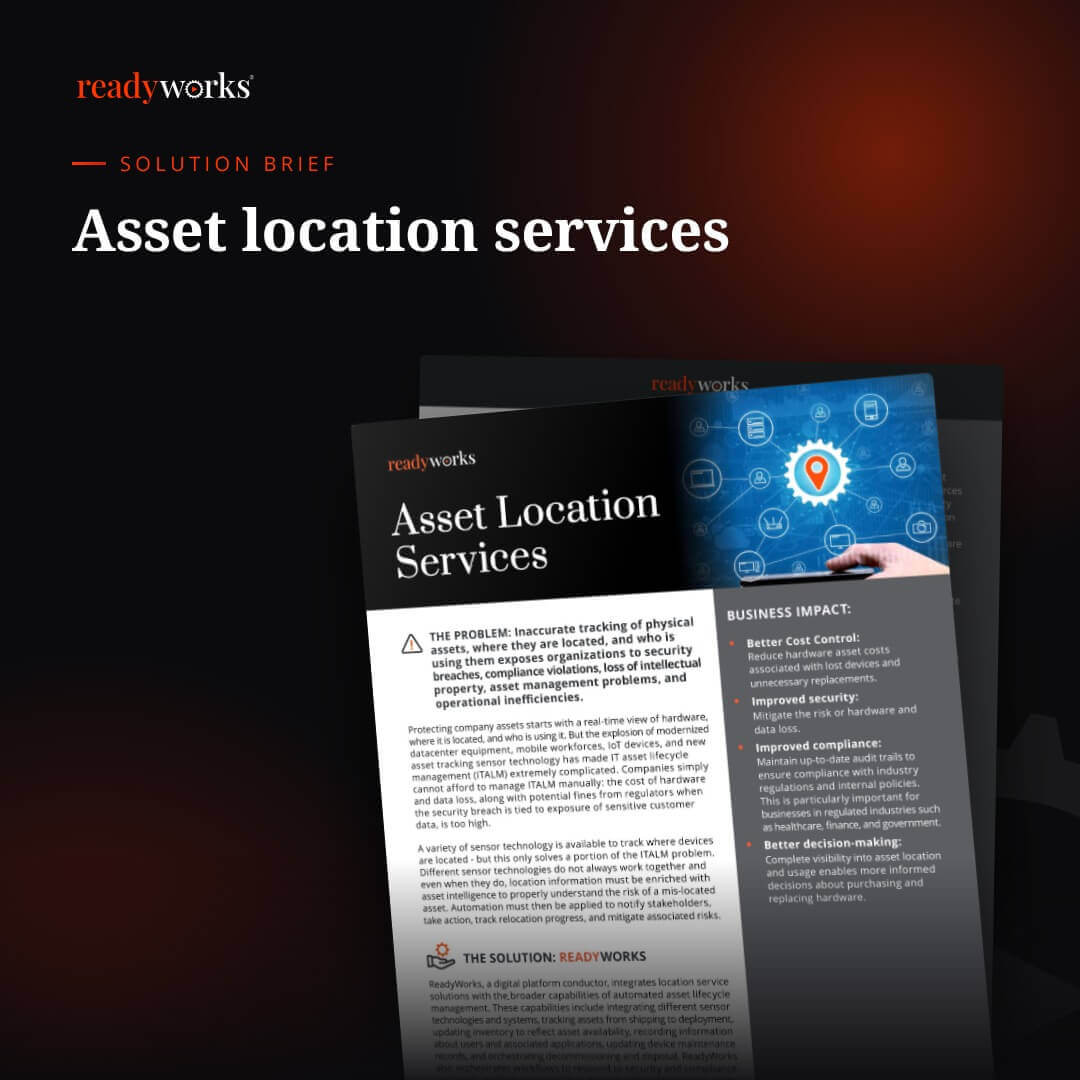


Knowing where a device is only helps if you also know who uses it, what runs on it, and what to do when it turns up somewhere it shouldn't be. ReadyWorks combines location data from your tracking tools with the rest of the asset record, then runs the workflows that follow, from notifying owners to opening tickets and ordering replacements.
Why isn't location tracking enough on its own?
Mobile workforces, distributed data centers, and new sensor technology have made it harder to keep track of physical assets. Location tools from different vendors don't always work together, and a location by itself doesn't tell you how much risk a misplaced asset carries. That takes user, application, and lifecycle data alongside it.
How does ReadyWorks use location data?
- Brings location data from different tracking tools into the same asset record
- Adds user, application, and maintenance details to each asset
- Tracks assets from shipping through deployment, relocation, and disposal
- Notifies managers and opens tickets when a device goes missing or out of policy
- Keeps an audit trail of every action
FAQ
Does ReadyWorks provide the tracking hardware?
No. ReadyWorks connects to the location and tracking tools you already use.
What happens when a device is reported missing?
Workflows notify the owner and manager, open a service ticket, and track the follow-up until the device is found or replaced.
Want to see how it fits your estate? Talk to someone who has done this.