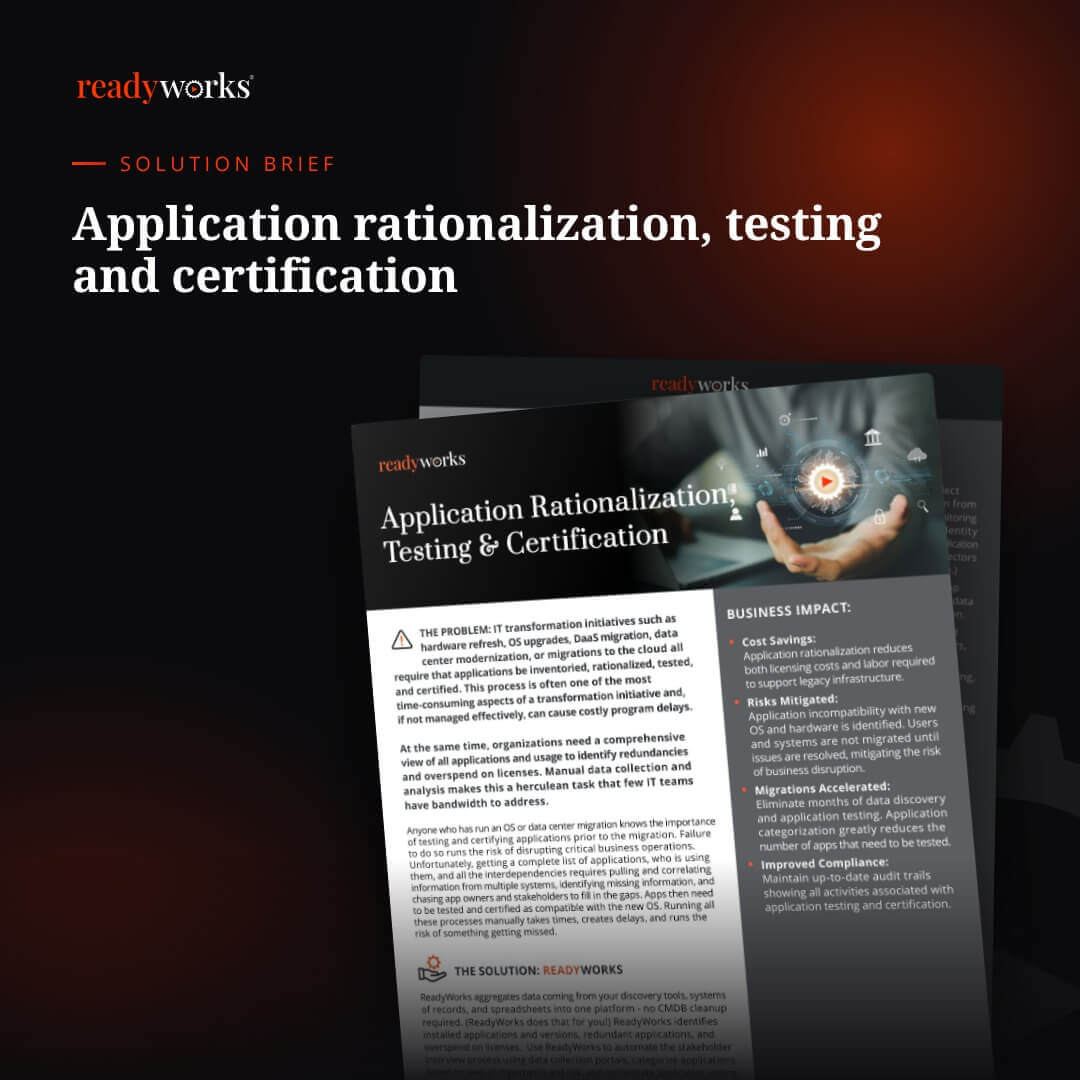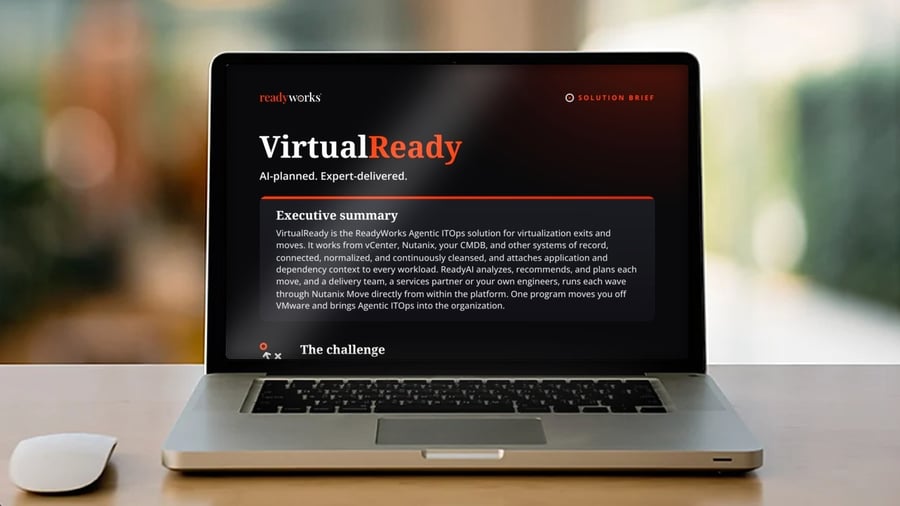


Every refresh, OS upgrade, and data center move depends on knowing which applications you run, who uses them, and whether they will work on the new platform. ReadyWorks brings that application data together from the tools you already have, sorts applications by importance and risk, and tracks testing and certification through to sign-off. Devices and users move only when their applications are ready.
Why does application readiness slow down IT programs?
Getting a complete list of applications means pulling data from several systems, finding what's missing, and chasing application owners to fill the gaps. Then each application has to be tested and certified for the new OS or hardware. Done by hand, this becomes one of the longest parts of any transformation program, and a missed application can disrupt the business on cutover day.
How does ReadyWorks handle rationalization, testing, and certification?
- Brings data from discovery tools, systems of record, and spreadsheets into one view of installed applications and versions
- Flags redundant applications and versions so fewer need testing
- Collects missing details from application owners through data collection portals
- Categorizes applications by importance and risk
- Tracks testing and certification, with every step on record
FAQ
Which programs is this for?
Any program that changes the platform applications run on, including hardware refreshes, OS upgrades, desktop and VDI migrations, and data center moves.
Do we need a clean CMDB first?
No. ReadyWorks works from the data you have today and highlights gaps and conflicts so cleanup becomes part of the program.
Ready to talk through your application estate? Talk to someone who has done this.